Many companies already use AI tools such as ChatGPT, Claude, Gemini, or Grok. Most often, they use them for writing content, generating ideas, analyzing documents, or getting faster answers to general questions.
But the real value appears when AI is connected to the company’s actual business data, tools, and processes.
At that point, AI is no longer just a chatbot. It becomes an interface between your team and your business.
What does that mean in practice?
Instead of employees searching for information across multiple systems, spreadsheets, emails, and internal messages, they can ask questions in natural language.
For example:
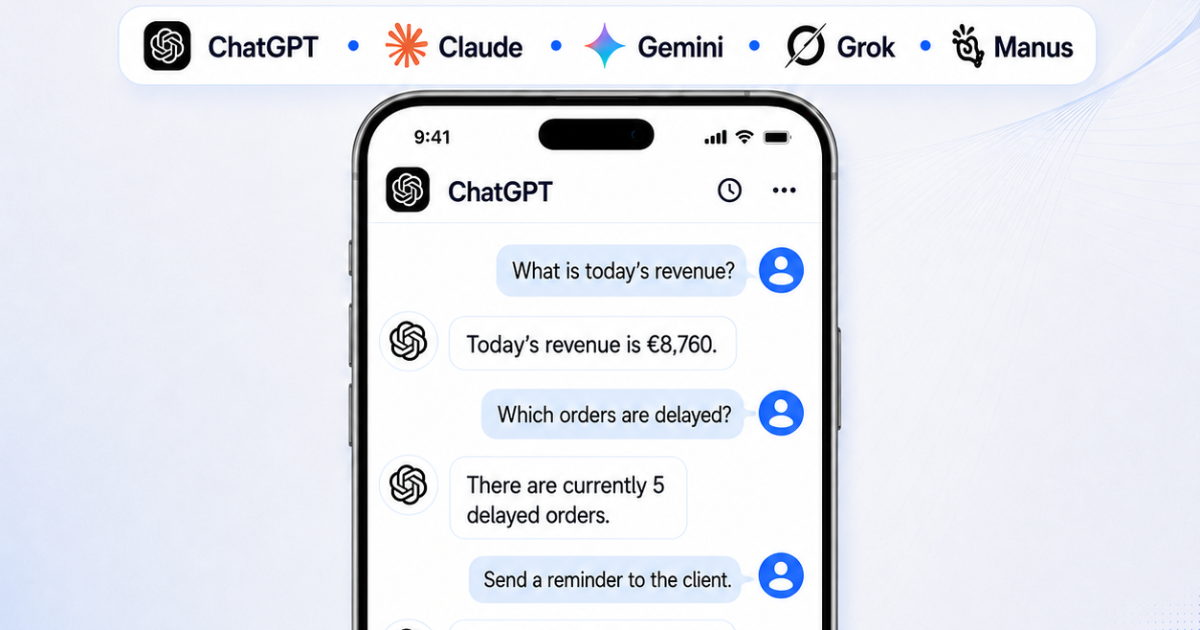
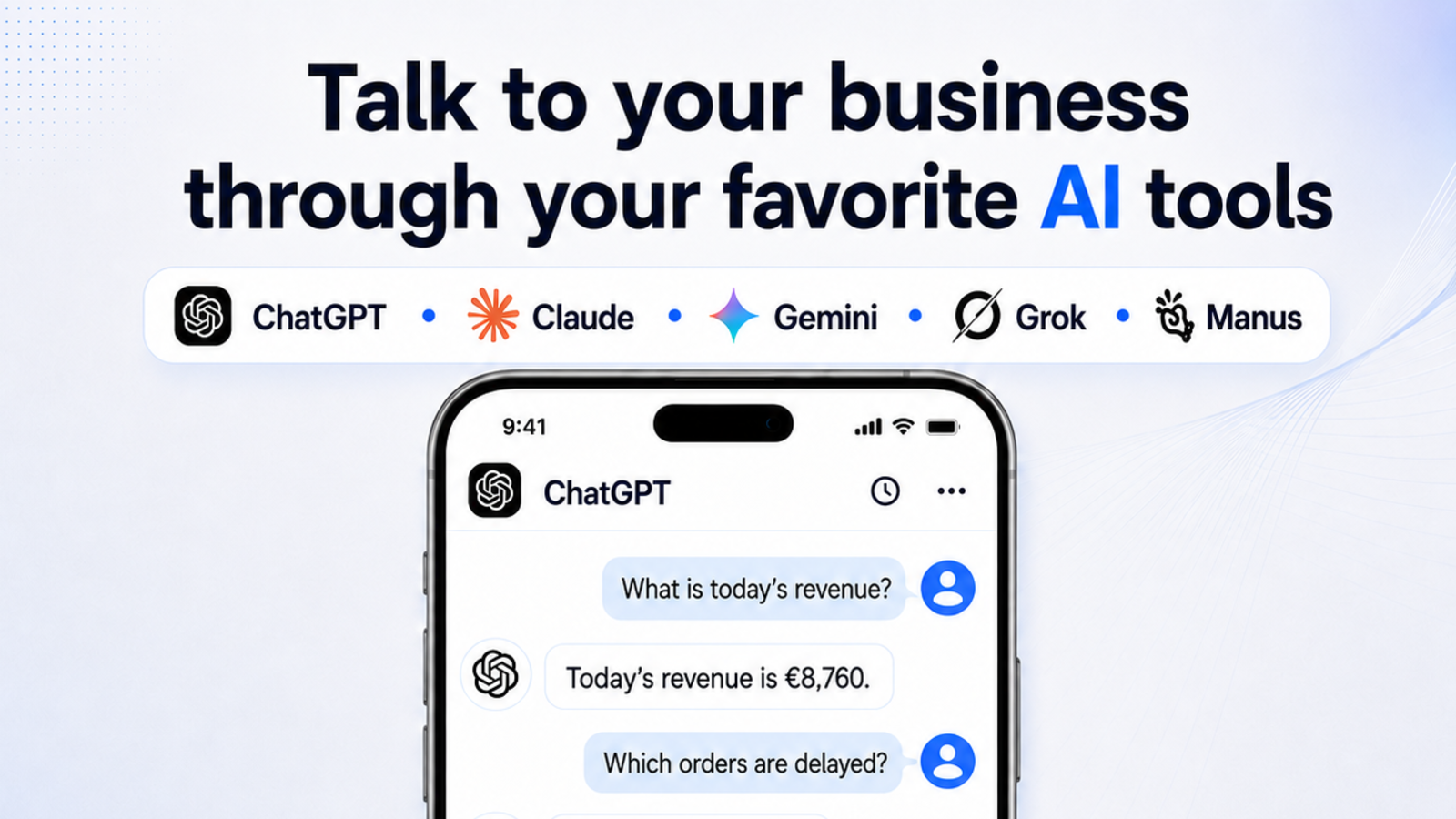
- “What is today’s revenue?”
- “Which orders are late?”
- “Which clients are waiting for a response?”
- “Send a reminder for the unpaid invoice.”
- “Create a delivery task.”
- “Prepare a report for this week.”
The AI assistant can then read relevant data, find the information, prepare a response, or trigger a specific action in the system.
Which AI tool is used?
The solution can connect to the tools you already use or the tools your team is most comfortable with.
That can be:
- ChatGPT
- Claude
- Gemini
- Grok
- a custom AI solution
- an internal application or admin panel
The point is not that every company has to use the same application. The point is that employees can access information and trigger tasks through the interface that fits their work best.
How do we connect AI with the business?
The first step is to analyze how the company currently works.
We look at where the data is stored, which programs are used, which processes repeat, and where employees lose the most time.
After that, we define what AI needs to know and what it is allowed to do.
In some cases, AI only reads data and provides answers. For example: it can show revenue, open orders, statuses, deadlines, or client information.
In other cases, AI can trigger controlled actions. For example: it can create a task, prepare an email, send a reminder, update a status, or generate a report.
What can we connect?
An AI assistant can connect to different business tools and data sources:
- CRM systems
- ERP systems
- databases
- Excel or Google Sheets
- calendars
- documents
- internal admin panels
- task and team communication tools
If existing systems contain the required data and support integration, we connect AI to them.
If the systems are outdated, disconnected, or do not support what the company needs, we can build a new custom solution: an internal system, admin panel, or business application.
Why is this useful?
When AI and business systems are connected, the team no longer has to constantly jump between different tools.
The result is:
- less searching across systems
- less manual work
- faster answers
- better organization
- fewer mistakes
- faster decision-making
AI is no longer a separate tool on the side. It becomes a layer that helps employees use existing data and processes more easily.
Conclusion
AI tools such as ChatGPT, Claude, Gemini, and Grok become much more useful when connected to the real business operations of a company.
Instead of using AI only for general questions, you can connect it to your data, tools, and processes.
That way, your team can “chat” with the business, find information, and trigger tasks faster than before.
If you want to see what this could look like in your company, contact us. We can review your processes and propose a concrete solution.